
Your feed forgets. Yummy keeps.
Keep every food spot your feed shows you. Share a video from TikTok, Reels or Shorts. Honey finds the place and pins it on your list and your map.
 iPhone app.
From feed to table
-
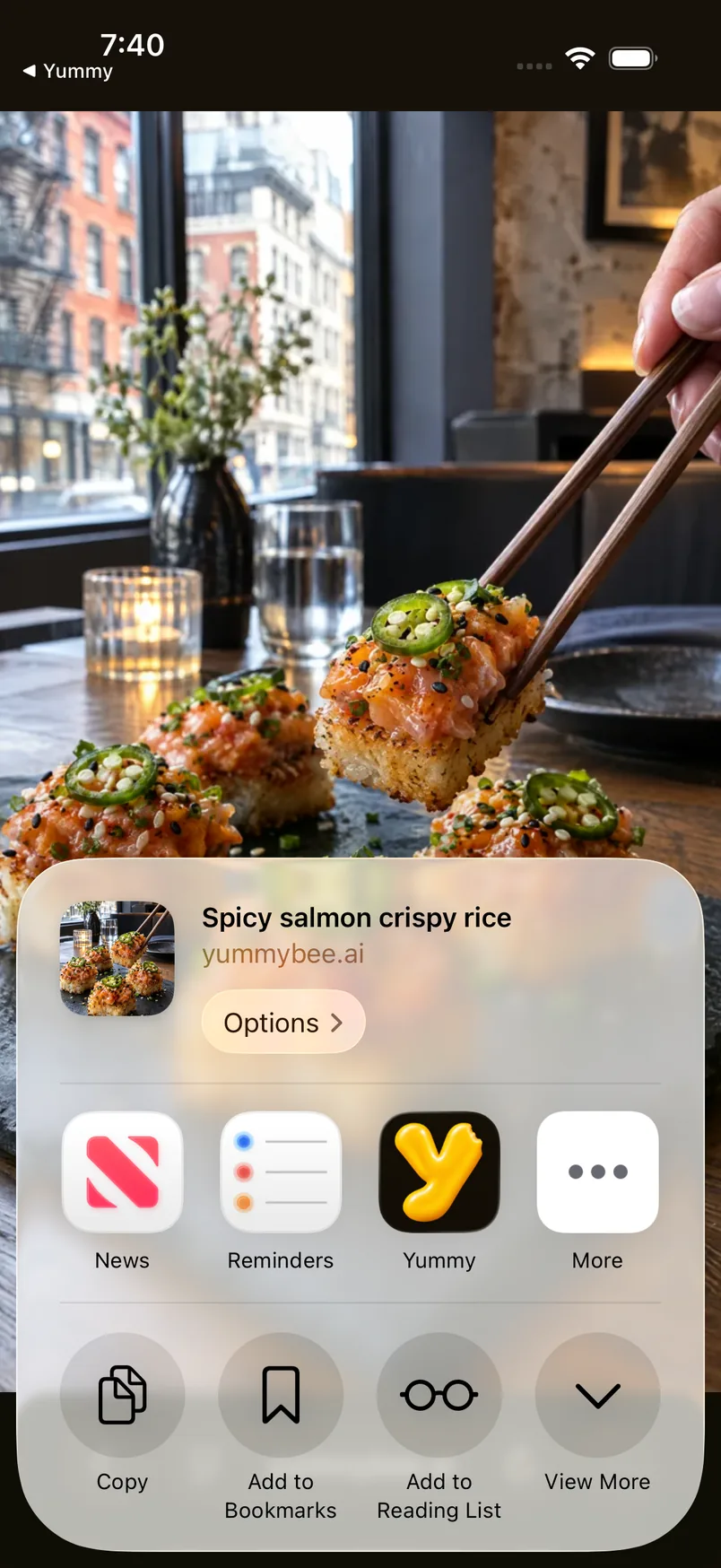
Share the video
Tap Share on the video and pick Send to Yummy. That’s the whole save.
-
Honey finds the place
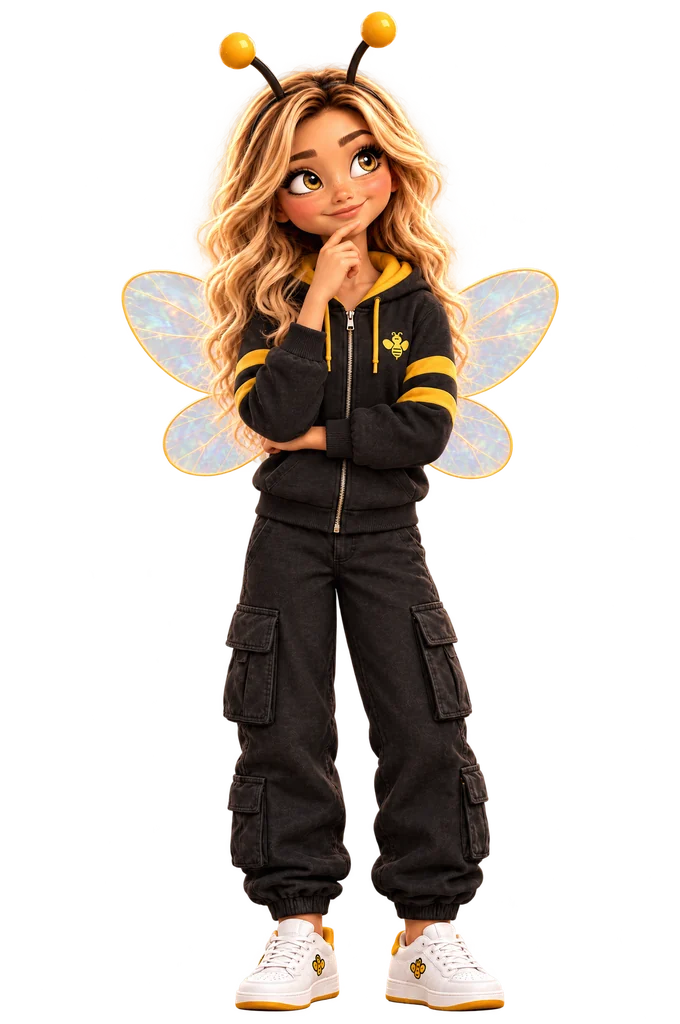
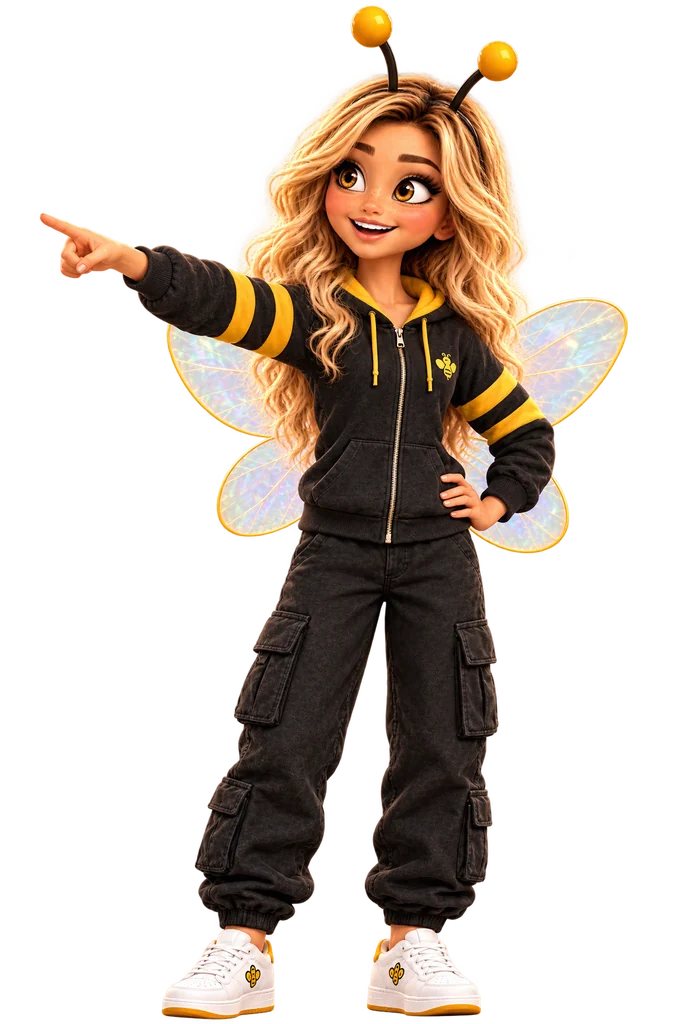
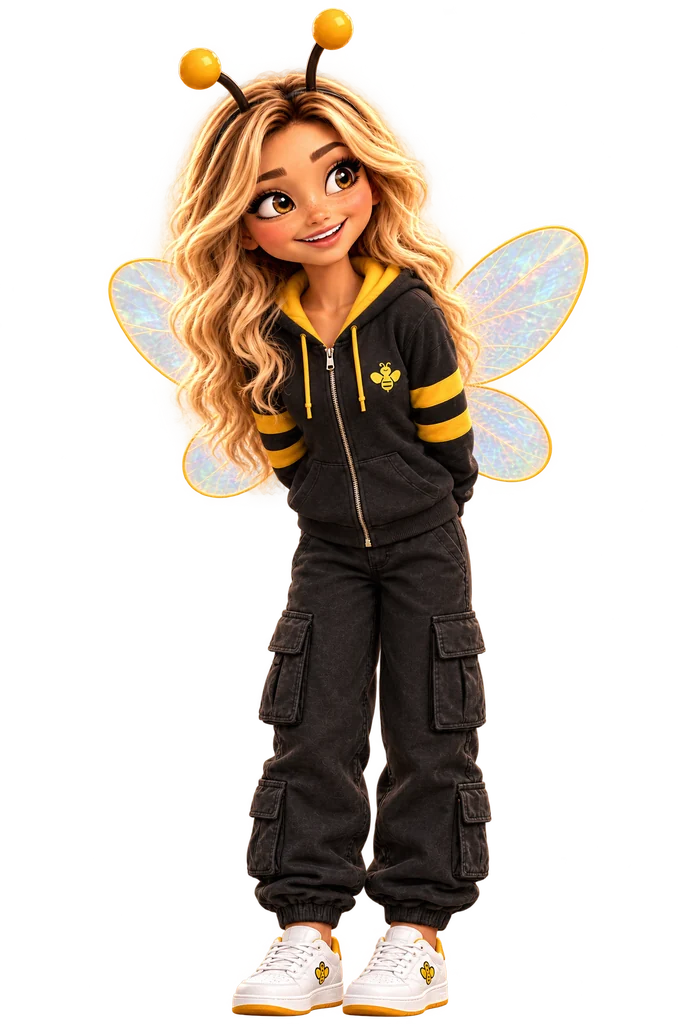
She reads the video for the place: the sign, the street, the dish. No name in it? Tell her where, and she looks again.
-
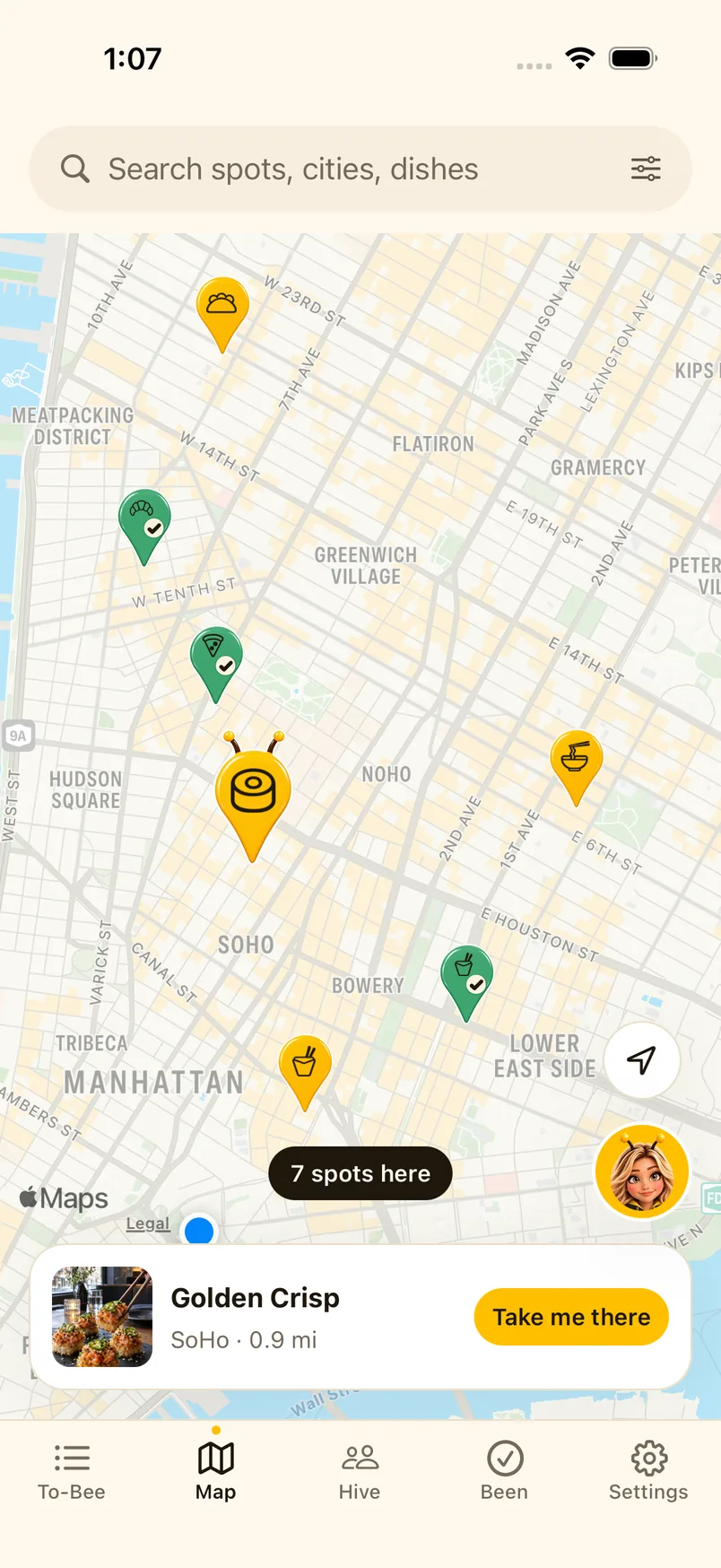
It’s on your map
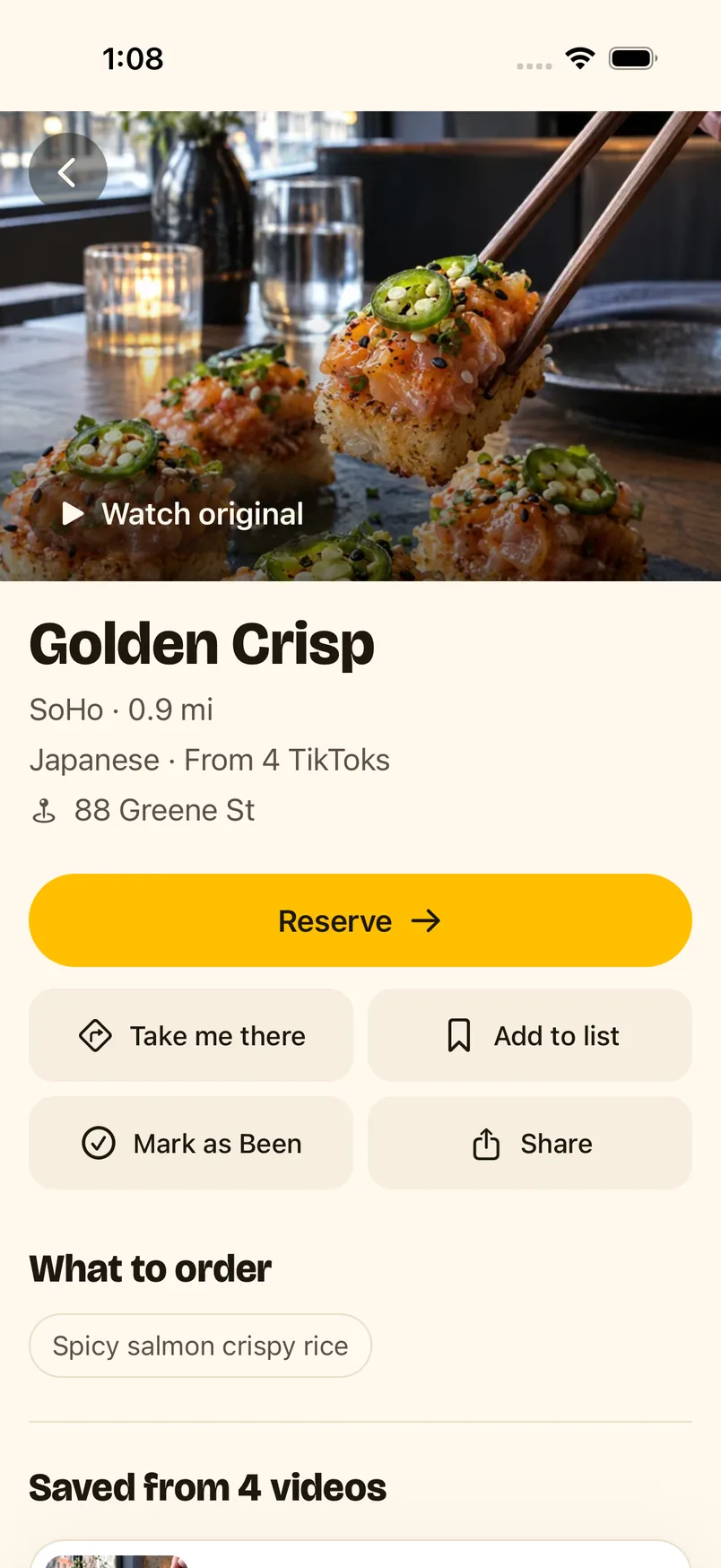
The spot lands on your list and your map, with a pin that shows what it serves. Five creators post the same ramen place? One spot, all five videos.
-
When you’re hungry
Open the spot and tap Take me there. Tap Reserve when the restaurant takes bookings online.
-
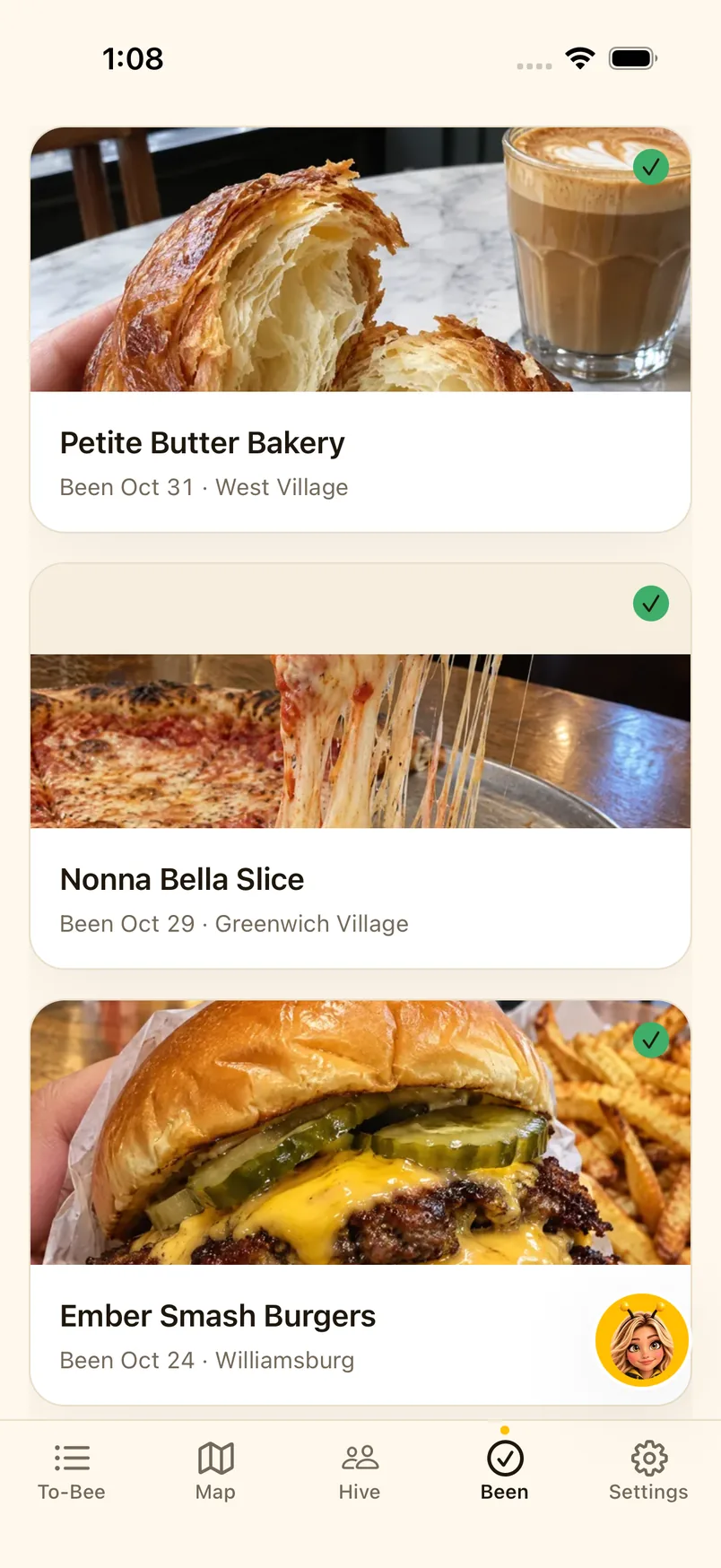
Mark it Been
Once you’ve gone, tap Mark as Been. Your Been list is every place you made it to. Private by default; share a list with friends when you want to.
Questions
Which apps does it work with?
TikTok, Instagram Reels and YouTube Shorts. Share the video and pick Send to Yummy.
What if the video never says where?
Your save is kept. Type the name or the street, and Honey looks again.
Who can see my list?
Your saves are private by default. A list you share in Hive is seen only by the friends on it.
Is it on iPhone?
Yes, Yummy is an iPhone app on the App Store.
Can it book a table?
When the restaurant takes bookings online, Reserve opens its booking page.
How do I delete my account?
In the app, open Settings and tap Delete account. Your saved spots, lists and Been history are deleted for good.
Keep the next one.
Next time a spot stops your scroll, share it to Yummy.